
Building Design Buddy
Aleksandar Tasevski • October 2026
The idea
I made Design Buddy completely opposite to how you're supposed to make a product. I didn't identify a problem. Nobody asked for it. I just wanted to see what I could build with the AI technology available at the time.
I was already using AI for other projects, but the LLM APIs we use today weren't available yet. For UI Faces, I used Microsoft's Azure services to detect facial features. I also self-hosted Google's Pegasus model to build a script that generates UI copy.
At the time, AI was very expensive to run. I remember looking at the AWS bill and thinking there was no way to turn this into a viable product.
Design Buddy came later, in 2023, using OpenAI's API. The experiment was similar: Can AI review a design? Would people appreciate the feedback? That turned out to be true, although not in the way I expected.
What I thought I was building
I started with a Figma plugin. Since I'm a designer myself, I thought other designers would be the main users. Some people suggested it should be more like a design linter, checking things like component usage and design-system consistency. Totally valid. But that doesn't require AI. And I think there were already design linter plugins for Figma.
That wasn't how people ended up using it. Most were making social media posts, presentations, flyers, and ads. But they weren't full-time designers.
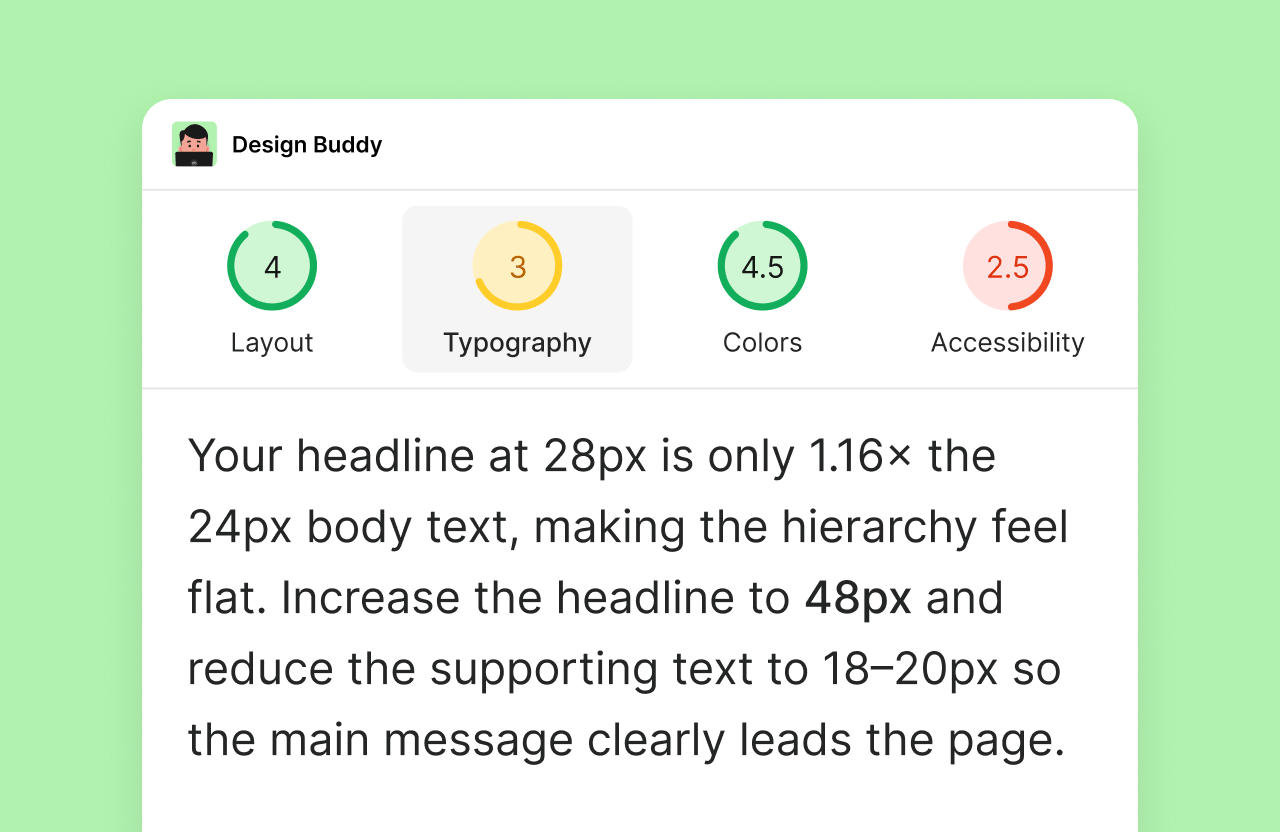
Design Buddy became a second pair of eyes for people who needed to make designs but didn't have a designer to ask for feedback.
But that doesn't mean I want it to replace designers. I want it to help people understand why something doesn't work and how to fix it. All the design platforms have AI agents that generate designs anyway.
The design platforms
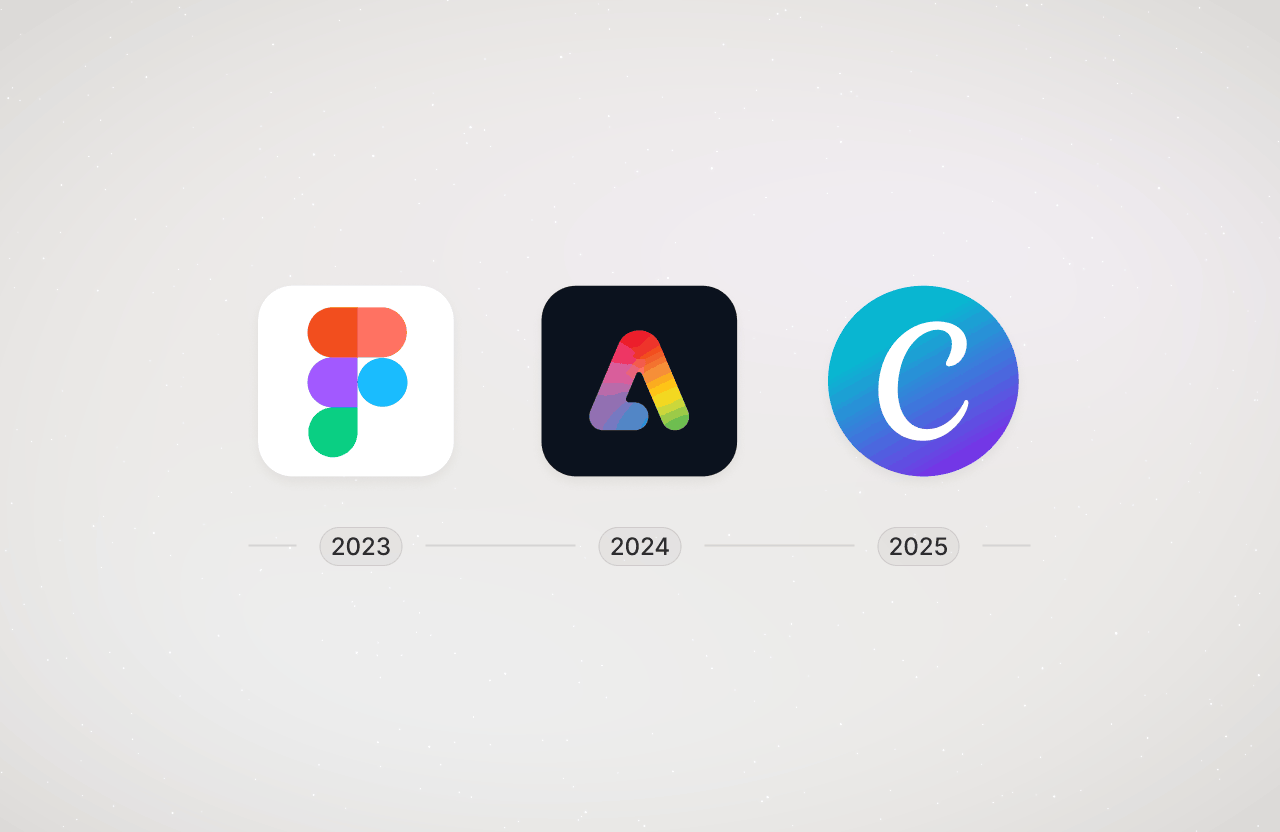
Design Buddy launched as a Figma plugin in December 2023. Adobe Express came next in July 2024, and Canva in September 2025.
Did the design tool makers have a meeting and agree that every platform should use a different name for extensions? Figma calls it a plugin. Adobe Express calls it an add-on. Canva calls it an app.
Anyways, each one is a different implementation. Three codebases, three SDKs, three sets of limitations and three different review processes.
Figma is relatively straightforward. Once the initial plugin is approved, subsequent versions can be pushed directly. That's why when I work on a new feature, I usually start with Figma. I can release it and then fix anything I missed in a patch version.
Adobe Express usually takes a couple of days to review. Sometimes the review team asks for additional explanation or a video walkthrough if there are major changes.
Canva takes the longest. Their review process is very strict. Sometimes a release can be rejected for something extremely minor because it doesn't fit their design guidelines. I've also had a version rejected because of something in their own design system that I didn't have any control over.
The good thing is that every submission gets a Jira ticket, so you can communicate directly with the review team.
After approval, a Canva release can also go through their translation process if there are new or updated strings. That can take several more days. In my experience, a Canva release can take anywhere from about a week to a month.
Don't count on a version being released over the weekend. The review teams are human and they don't work on weekends.
What's actually behind Design Buddy
Design Buddy is more than three platform-specific extensions. They are served by the API/backend, there is a store for managing subscriptions on top of Paddle, an admin and analytics system, and the website.
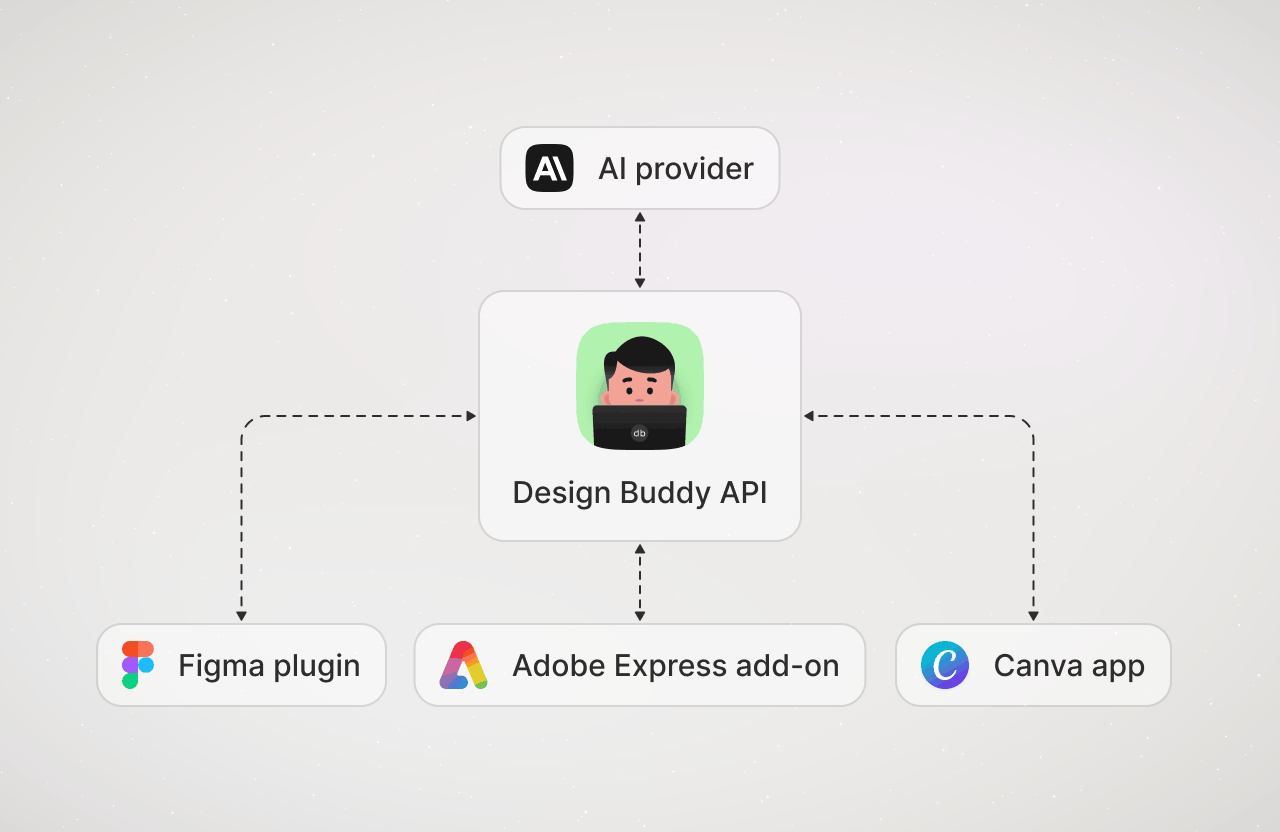
The backend API is the proxy between the extensions and the AI. The extensions don't talk directly to the AI provider. They send a review request to the API, which then prepares the user data and design context, adds the prompt and packages everything into the required format.
This also means that the AI-related logic is shared between the three platforms. When I change the prompt or how the context is prepared, I don't need to deploy the changes separately three times.
Subscriptions work the same way. Every API key works in any of the extensions, so there's no lock-in to a platform. Someone who moves from Figma to Canva or Adobe Express keeps the same subscription.
In Figma and Adobe Express, users activate Design Buddy by pasting their API key into the plugin or add-on. Canva's guidelines require a frictionless start, so users can try the app with free credits and no API key. Only after using them are they asked to upgrade.
Then there are the third-party services. Paddle handles customers and payment processing, Resend sends transactional emails, and PostHog handles analytics for Figma and Adobe Express. Canva doesn't allow PostHog. The AI provider is currently Anthropic, but I've been switching providers depending on which had the best model at the time.
How smart is it?
When I started Design Buddy, I was using OpenAI and the models were obviously much worse than they are now.
Over the years I've tested multiple OpenAI, Gemini and Anthropic models. I still test them and keep the architecture flexible enough that I can switch if another model works better for design reviews.
Sometimes AI just outputs nonsense. It still happens. The models have improved a lot, but so has the input that Design Buddy gives them.
The prompt has been rewritten many times too. Every time the AI models change, I test it again because things that work well with one model don't necessarily work the same way with another.
The prompt also defines what a review covers. It doesn't apply the same checklist to everything. It first identifies the type of design, then picks one to three categories that matter for it. A logo is judged on things like scalability and recognizability, while a social media post is judged on composition, typography and copy.
Within each category, the prompt guides the AI on what to look for. Depending on the design, that can include Gestalt principles, Hick's Law, Fitts's Law, WCAG and other design principles. The goal is to explain not just what could be better, but why.
The Design Snapshot
Why not just use ChatGPT? You can. Give ChatGPT an image, ask it for a review and it will give you feedback.
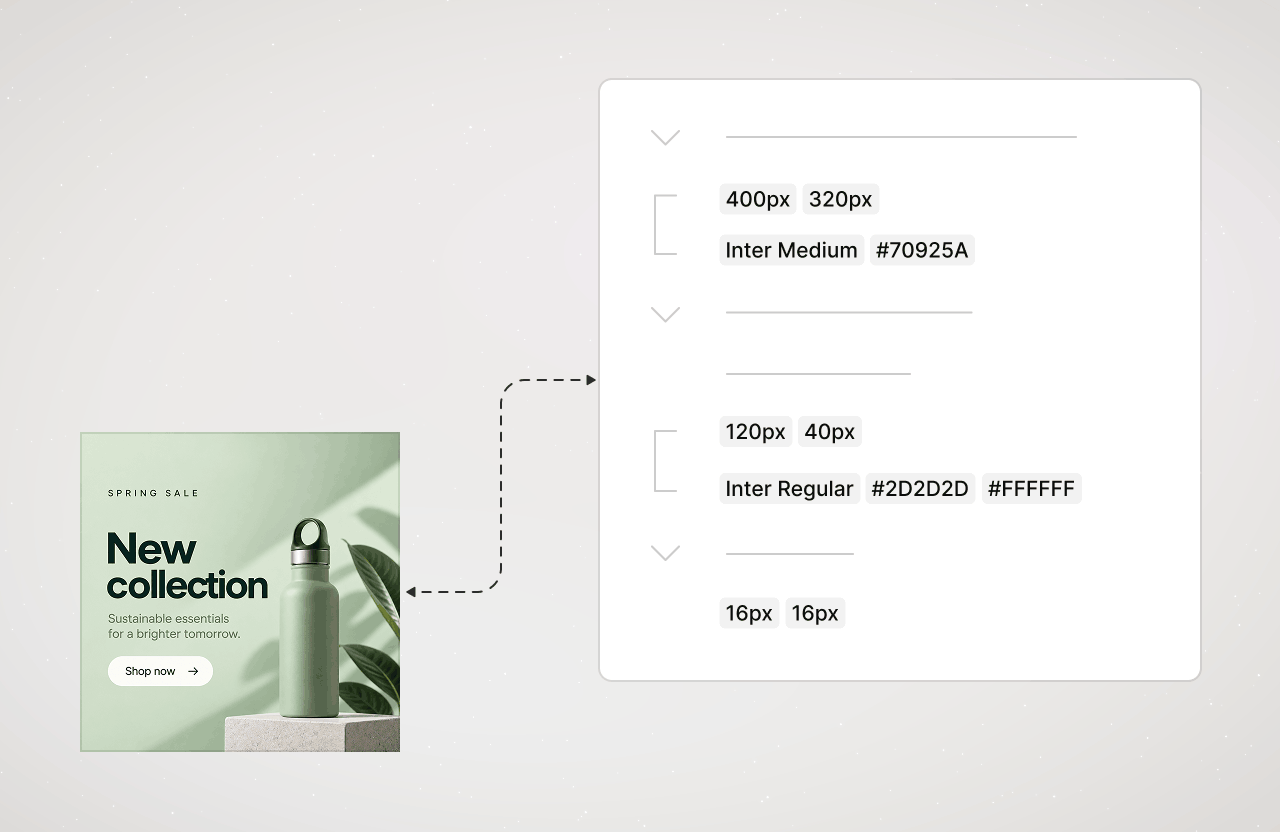
The difference with Design Buddy is that it doesn't just see the image. It has access to the actual design context. That means that besides seeing what something looks like, it knows things such as color HEX values, font names, sizes, spacing, styles, components and other information that simply isn't available from an image.
But a design can contain a ridiculous amount of nodes and properties. Sending all of that to the AI creates a huge context and makes it harder to focus on what's relevant. So I created the Design Snapshot, my own format for describing a design. It deduplicates the data and distils it down to only what's relevant for the review.
It's basically a translation layer between the design platform and the AI.
AI should not do everything
I learned that you shouldn't leave things to AI when they can be calculated with a formula. Color contrast is a good example.
Before calculating contrast, Design Buddy needs to determine which colors are actually behind a text element. That's not always straightforward, because text can overlap multiple colors. The extensions handle this with code, then calculate the contrast ratio using the standard WCAG formula instead of leaving the AI to come up with a number.
So I've ended up combining AI with code that handles the parts requiring exact answers. AI is useful for judgment, interpretation and recommendations. Things that can be calculated are just calculated.
Making reviews conversational
AI requests are stateless by default. Each request starts fresh, with no knowledge of what happened before unless that context is provided.
Design Buddy handles this by carrying previous feedback into subsequent requests. That way, the user can ask follow-up questions, make changes and get another review without having to start from zero every time.
Long-term user memory
I added long-term memory for each user. This is different from design context. Memory is about the person using Design Buddy.
For example, a user can say that a design is for a non-technical audience, or tell Design Buddy how they prefer their designs to be reviewed. Those preferences can be carried into future reviews so they don't have to keep repeating them.
The memory is intentionally limited. Only things the user has explicitly told Design Buddy are kept. If a preference changes later, the newer preference replaces the old one.
Technically, this is a small AI request that extracts the user's preferences from a prompt and stores them in a compact profile. The user doesn't really need to think about any of this. It just works.
Making the wait less annoying
AI takes time to think and respond, so I've spent a lot of time improving the experience while waiting.
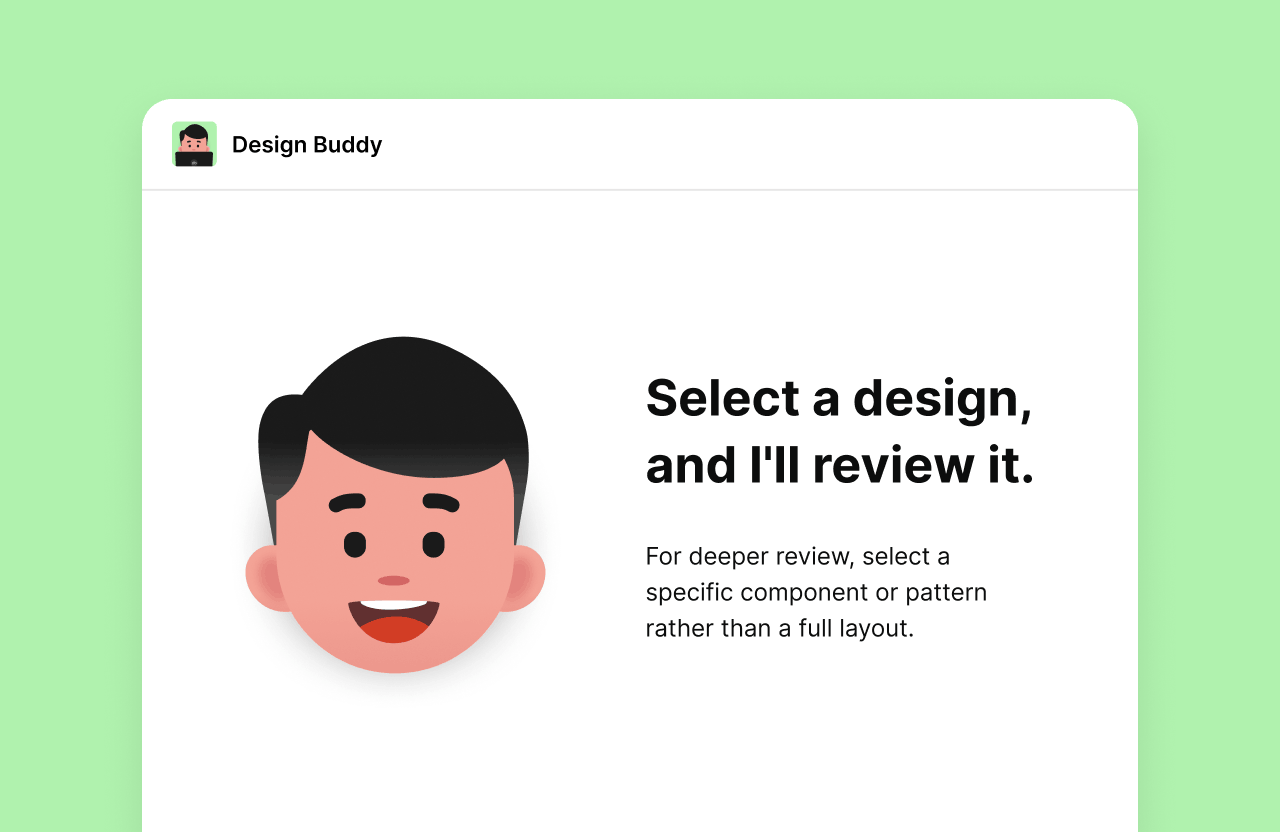
Users can choose between Quick, Balanced, and Deep review depth. Quick is for a fast gut check. Deep goes further into the details and takes longer, with Balanced sitting in between. Under the hood, this controls the AI's thinking effort.
I also wanted users to start seeing results sooner. Instead of waiting for the entire review, feedback is streamed category by category. The feedback is then cached locally.
Everything the extensions send to the API is also compressed, so fewer seconds are wasted on data transfer.
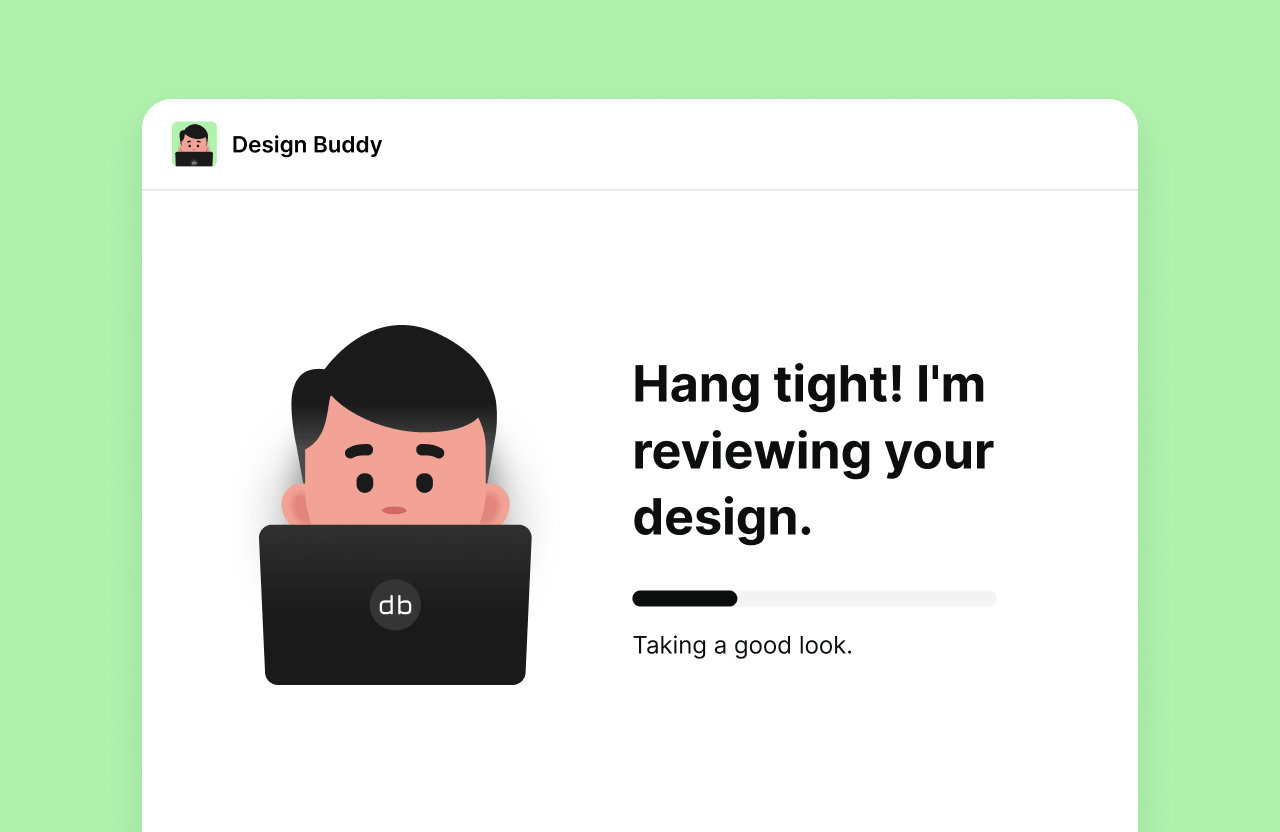
Loading messages such as “Taking a good look”, “Writing your feedback” and “Almost ready to share it” tell users what's happening while they wait.
The CYA thing
I remember working at a startup where I heard about the CYA approach to selling and marketing: “cover your ass”.
That made me think about why someone would use Design Buddy. Sometimes you just want to make sure you didn't miss something before sharing your work. You might check a social media post before publishing it, get another opinion before showing something to a client, or simply feel more confident about what you're putting out there.
This became how I described Design Buddy on the website and in the marketplace listings.
How people find it
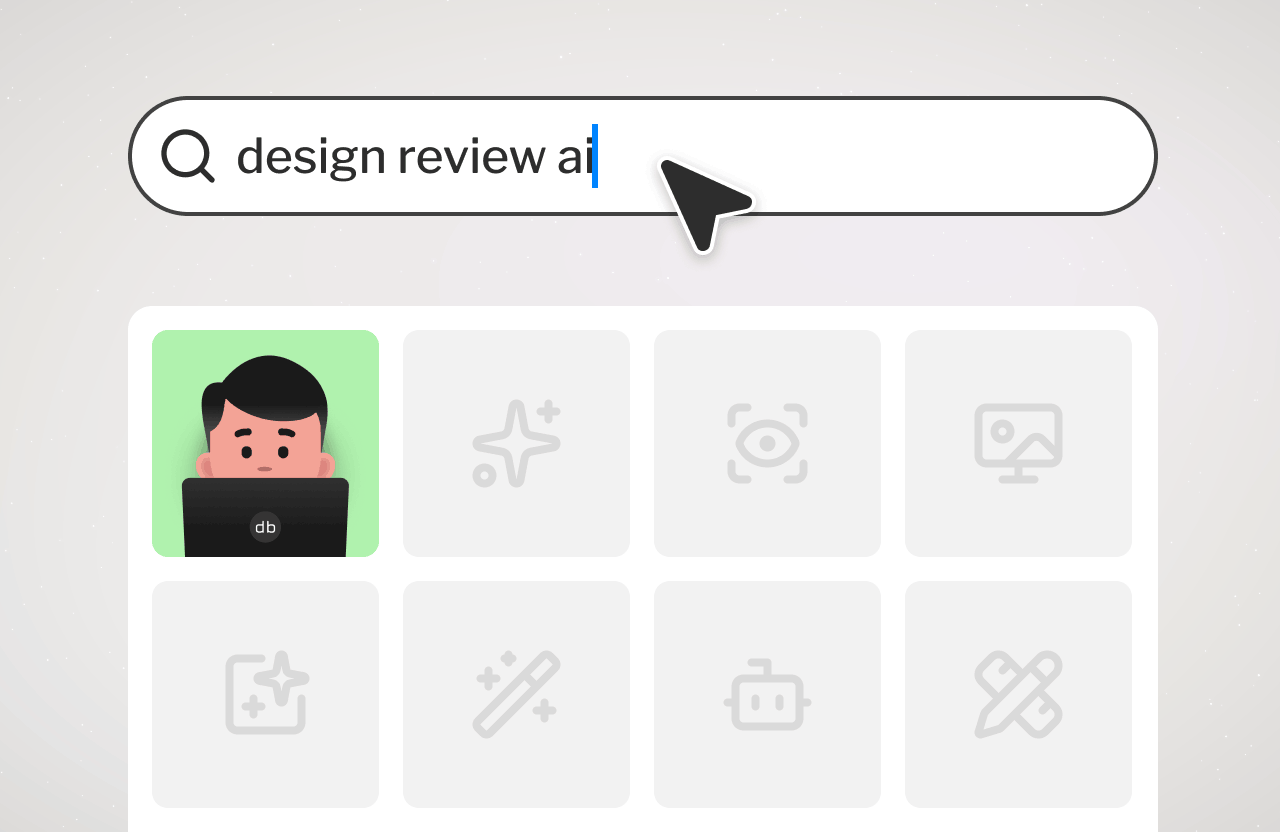
I haven't done any traditional marketing. The main distribution is the design platforms themselves. People discover Design Buddy while already using Figma, Adobe Express or Canva. They open it and try it.
That explains why supporting multiple platforms mattered so much. Figma brought the original designer audience. Adobe Express introduced completely different types of visual work. Canva brought even more people who make designs but don't necessarily identify as designers.
Creating a good listing on these platforms (title, description, promo images) became an important part of the job.
Talking to customers
I have a bunch of automated emails that I send to customers. Besides the practical stuff, most of them are ways to learn how people use Design Buddy and what they think of it.
There is a welcome email, which also gives them a permanent place to find their API key if they need it later.
After somebody activates and starts using the product, I send a feedback email. If they haven't activated yet, there is a reminder.
If somebody starts another subscription while they already have one, I send an email to make sure it wasn't accidental.
There are milestone emails after certain usage thresholds to ask how people are using Design Buddy and if they have any feedback.
Then there are cancellation emails. Those have different variants depending on what happened. Somebody cancelling during a trial receives a different message from someone who used Design Buddy heavily for months and then cancelled.
There is no customer success team. It's just me. Aside from the automated emails, I also manually reply to all customer emails.
Pricing
I had no idea how many reviews people would need, so I started with three plans: $5/month for 50 reviews, $15/month for 150 reviews, and $50/month for 500 reviews. Most customers chose the cheapest plan.
Later I learned how they were using the product. They weren't reviewing designs every day. They were using Design Buddy in batches when they had something specific to check.
So the quota model started to feel wrong. I removed the multiple plans and moved to a single unlimited plan in March 2026. It comes with a 7-day free trial of the full product, with no limitations.
The whole point is to get another pair of eyes whenever you need them. Removing the quota meant customers didn't have to think about whether they should use it daily or how many reviews they had left.
Profitability
Design Buddy is profitable with a high profit margin. The costs include AI usage, payment processing fees, taxes and my own time.
The AI costs are not trivial because a review isn't just one small text request. Each request includes the design image, context and prompt.
I've spent a lot of time optimizing without compromising the quality. Static parts of the prompt are cached, and I set token limits to keep feedback concise. The default thinking effort is set to high because I'd rather get a good review than save a little on each request.
The earnings aren't enough for me to fully live off it, but it makes more than any other product I've built. That's a success.
What the numbers tell me
Design Buddy has gone from a small plugin to a product with thousands of people who have tried it and a real base of paying customers.
Usage isn't evenly distributed either. Some customers use it heavily. Others use it only when they have something specific to review. Some paying customers go quiet for long periods. Some churn but later come back.
That makes sense. People have different tasks. Some make designs daily, some occasionally.
It's more of a vitamin than a painkiller type of product.
Conclusion
I started Design Buddy out of curiosity. I wanted to see what AI could do, and I assumed other designers would be interested.
People ended up using it to review social media posts, presentations and ads. They wanted another pair of eyes before sharing their work.
I didn't have all of that figured out when I started. I built it, found out how people used it, and kept adjusting. That's still how I'm working on it.